
Article updated for v2.7.1.
When logging in to Rambox, you'll find the "Forgot password?" option, to reset your password.
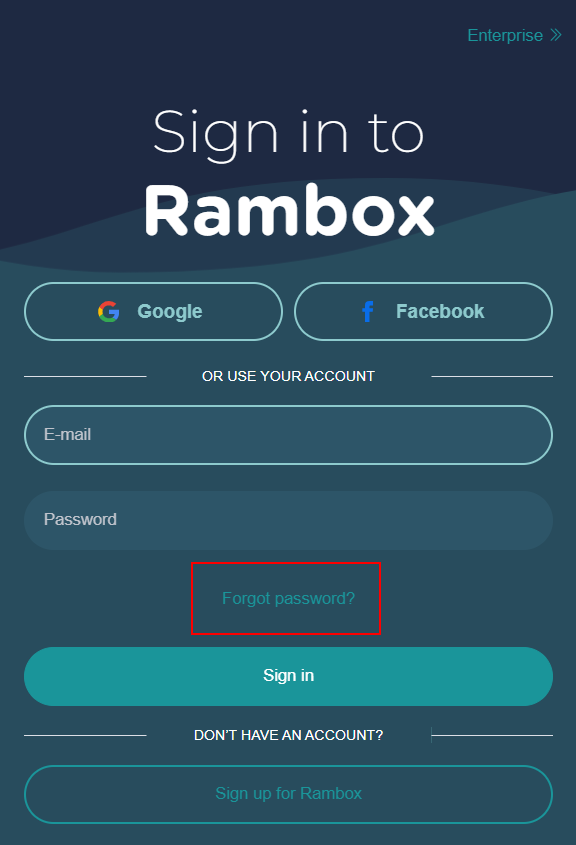
After you click it, type your email and click "Send".
You'll soon receive an email in your inbox. There, click the "Reset your password" button.

Lastly, you will be asked to type your new password. Then click "Save".

That's it! You successfully changed your password.